

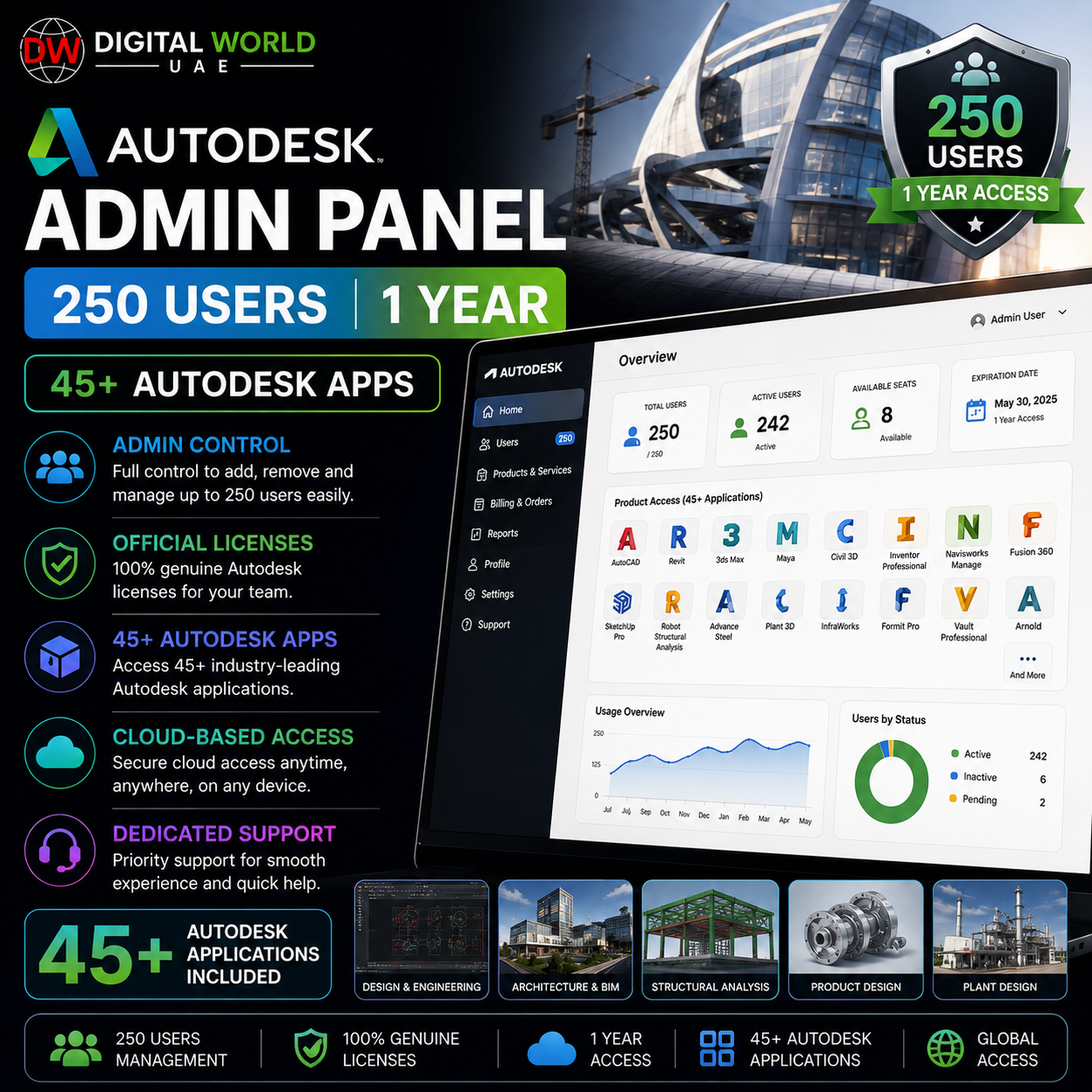


Autodesk Admin Panel – 250 Users | 1 Year (45+ Autodesk Apps)
$90.00
✓ Autodesk Educational Admin Panel
✓ Up to 250 Users
✓ 1 Year Validity
✓ 45+ Autodesk Applications
✓ AutoCAD, Revit, Civil 3D, Maya & More
✓ Centralized User Management
✓ Full Account Access & Control
✓ Windows, Mac & Linux Apps Where Supported
✓ Fast Delivery: 15 Minutes – 12 Hours
✓ 180-Days Warranty
# Autodesk Admin Panel – 250 Users | 1 Year (45+ Autodesk Apps)
Manage Autodesk access for a large team with an Autodesk Educational Admin Panel supporting up to 250 users for 1 year.
The panel provides access to 45+ Autodesk applications, including popular professional software such as AutoCAD, Revit, Civil 3D, Maya, 3ds Max, Fusion and more. It is suitable for educational environments, training organizations, teams, and other eligible learning use cases.
## What’s Included
✓ Autodesk Educational Admin Panel
✓ Up to 250 Users
✓ 1 Year Validity
✓ Access to 45+ Autodesk Applications
✓ Centralized User Management
✓ Full Account Access & Control
✓ Email & Password Management
✓ Windows, macOS & Linux Support Where Available
✓ Fast Manual Delivery
✓ 180-Days Warranty
## Popular Autodesk Applications
The available software portfolio may include:
✓ AutoCAD
✓ Revit
✓ Civil 3D
✓ 3ds Max
✓ Maya
✓ Fusion
✓ Inventor
✓ Navisworks
✓ Advance Steel
✓ InfraWorks
✓ MotionBuilder
✓ Mudbox
✓ And many more Autodesk applications
*Individual application availability and operating-system compatibility may vary.*
## Admin Panel & User Management
✓ Manage up to 250 users
✓ Add and manage eligible users from one panel
✓ Centralized Autodesk software access
✓ Manage account email and password
✓ Control available account settings
✓ Suitable for large educational teams and learning environments
## Platform Compatibility
Autodesk provides applications across multiple operating systems, including:
• Windows
• macOS
• Linux
Please note that not every Autodesk application is available for every operating system. Compatibility depends on the individual Autodesk product.
## Delivery Information
• Digital product / account access.
• Fast manual processing.
• Estimated delivery time: 15 minutes to 4 hours under normal conditions.
• Account and setup instructions will be provided after processing.
## Important Notes
• This is an Autodesk Educational Access product.
• Validity: 1 Year.
• Supports up to 250 users.
• Access to 45+ Autodesk applications is subject to the applications available under the supplied educational account.
• Educational licenses should be used in accordance with Autodesk’s applicable educational eligibility and usage terms.
• This product should not be treated as a commercial Autodesk license.
## Warranty
✓ 180-Days Warranty
Warranty coverage applies according to the supplied account usage and support conditions.
Issues resulting from misuse, violation of platform policies, unauthorized activity, or changes outside the supplied service conditions may not be covered.
## Frequently Asked Questions
Q. How many users can the panel support?
A. The admin panel supports up to 250 users.
Q. How long is the validity?
A. The panel has 1-year validity.
Q. How many Autodesk applications are available?
A. Access includes 45+ Autodesk applications, subject to availability under the supplied educational account.
Q. Does it include AutoCAD, Revit and Civil 3D?
A. Yes. Major Autodesk applications such as AutoCAD, Revit and Civil 3D are included among the available software.
Q. Is this a commercial Autodesk license?
A. No. This is an Educational Access product and should be used according to Autodesk’s applicable educational terms.
Q. Does it work on Windows, Mac and Linux?
A. Autodesk offers applications across these platforms, but compatibility varies by individual application.
Q. Can I manage users myself?
A. Yes. The admin panel provides centralized user-management capabilities for the supported users.
Q. What is the warranty period?
A. The product includes a 180-days warranty, subject to the applicable warranty conditions.
Q. How long will it take to deliver?
A. Standard delivery for this product is approximately 15 minutes to 12 hours under normal conditions. General store delivery time may vary from few hours to 5 working days depending on product.
WARNING: AFTER DELIVERY OF THIS PRODUCT, YOU MAY ONLY CHANGE PASSWORD. DO NOT CHANGE ANY OTHER SETTINGS, OR IT WILL VOID YOUR WARRANTY
Related products
Autodesk AEC Collection Commercial Flex License (1 Year)
Original price was: $3,675.00.$424.00Current price is: $424.00.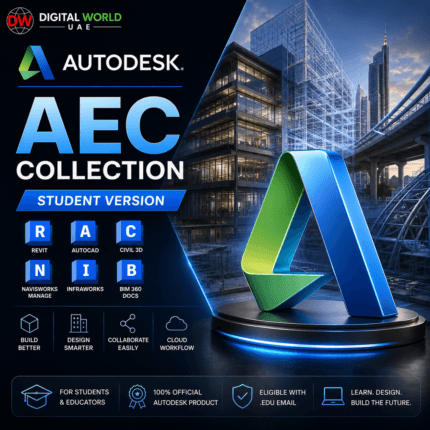
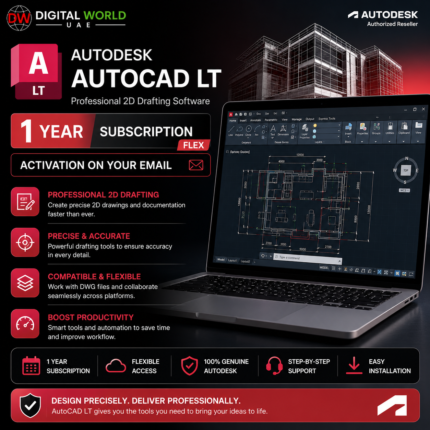
Autodesk Autocad Full / AutoCAD LT – 1 Year Subscription Flex (Activation on Your Email)
Original price was: $510.00.$270.00Current price is: $270.00.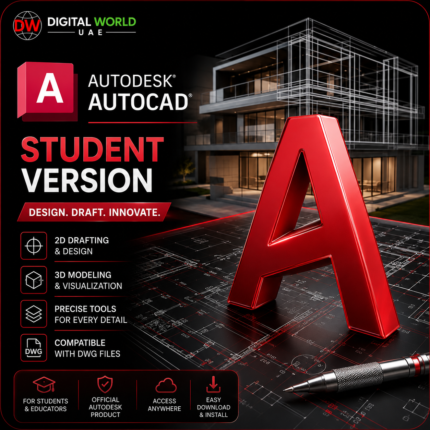
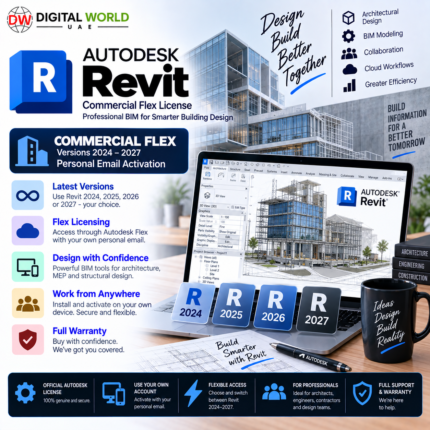
Autodesk Revit Commercial Flex – Versions 2024–2027 | Company Email Activation
Original price was: $3,005.00.$270.00Current price is: $270.00.