



Blog
How to activate Windows 10/11?

🔑 Windows Product Key
The product key is a 25-character code in the following format:
XXXXX-XXXXX-XXXXX-XXXXX-XXXXX
📥 When should you enter the product key?
- During Windows installation, you’ll be prompted to enter the product key.
- Or after installation, follow these steps to enter the key:
- Click the Start button
- Select Settings
- Go to Update & Security
- Choose Activation > Change product key
👉 Click to open the product key change settings
🧩 After successful activation
- Back up your activation for lifetime use – See backup instructions
- Or sign in with your Microsoft account to link the license to your email.
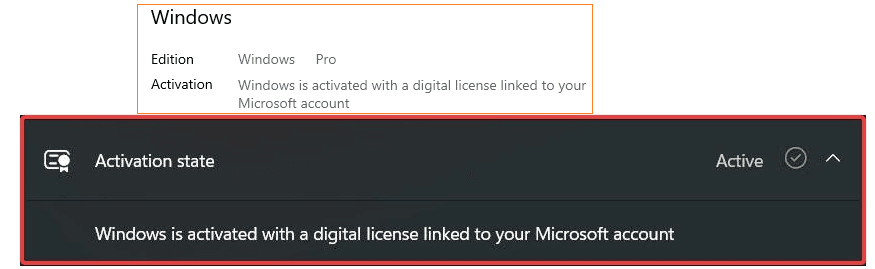
Illustration of changing the product key
✦ Note: Use the key directly, do not verify the key using any app or website.