
Blog
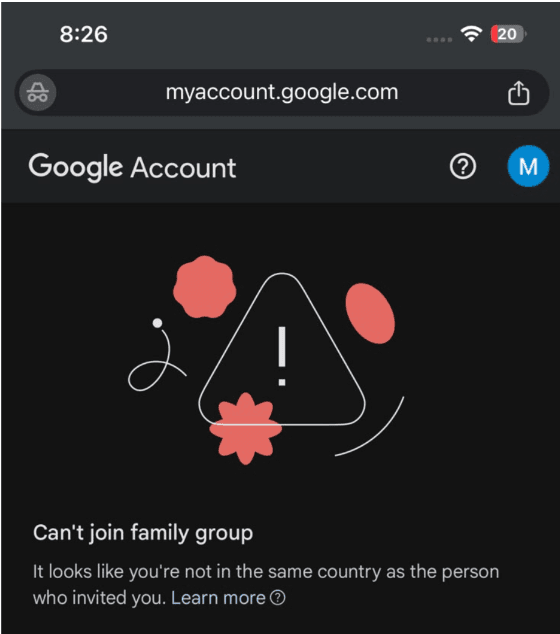
How to Fix “You are not in the same country” Error (Google Family Invitation)

If you receive the error “You are not in the same country as the family manager”, follow these steps carefully:
Step 1: Leave Your Current Google Family
Open the Google Families page:
https://families.google.com/families
Sign in with your Google account.
If you are already a member of a Family Group, choose Leave family group.
Step 2: Close Your Google Payments Profile
Open Google Payments:
Sign in with the same Google account.
Go to Settings.
Scroll down and select Close payments profile.
Follow the on-screen instructions to confirm.
Step 3: Wait
Wait 5–10 minutes for Google’s servers to update your account.
Step 4: Open Your Invitation
Open the YouTube Premium Family Invitation link that we provided.
Step 5: Join the Family
Accept the invitation and complete the joining process.
Step 6: Enjoy YouTube Premium
Once you have joined successfully, your YouTube Premium benefits will be activated.
Important Notes
✅ Sign in with the same Google account that you provided to us.
✅ Do not use a VPN while joining the invitation.
✅ You can only be a member of one Google Family Group at a time.
✅ If you still receive the same error, contact us with a screenshot so we can assist you further.