


Blog
How to back up and restore a license for permanent use?

Backup and Restore Windows / Office License with Dism++
Download Link: Google Drive Onedrive
1. Open Dism++ Software
– Download the file from the link above and extract it:
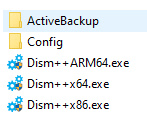
– For Windows 32-bit, run Dism++ x86.exe.
– For Windows 64-bit, run Dism++ x64.exe.
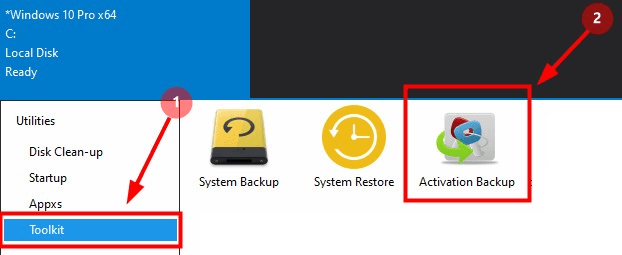
– Click Backup to start the license backup process.
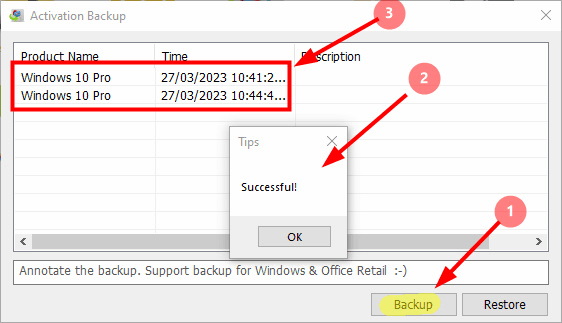
* If the message “Successful!” appears, the backup has been completed successfully.